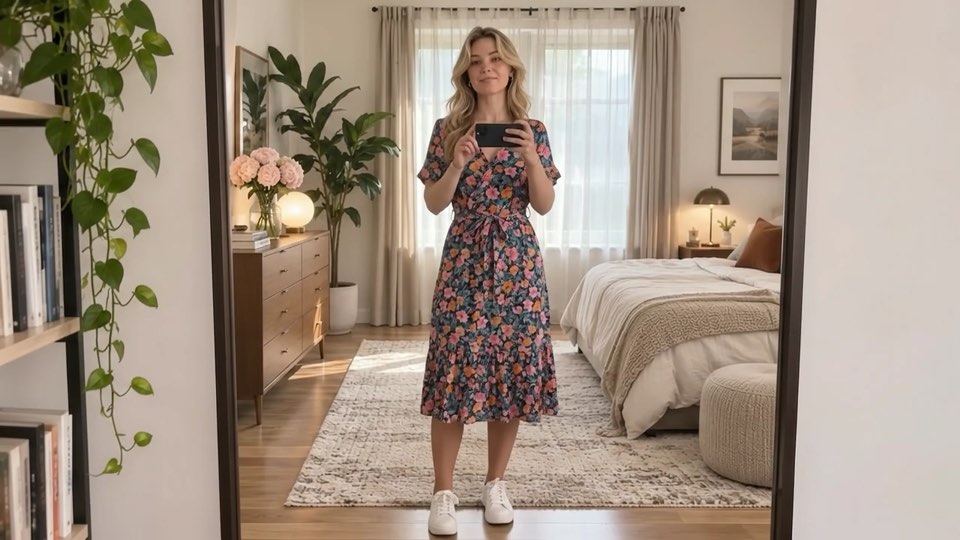
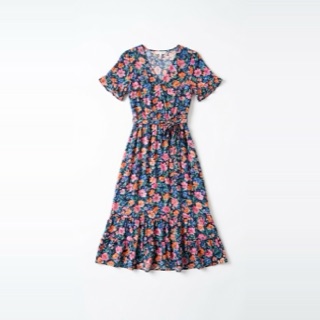
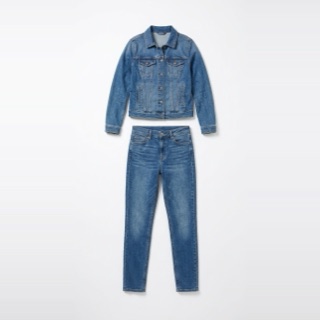
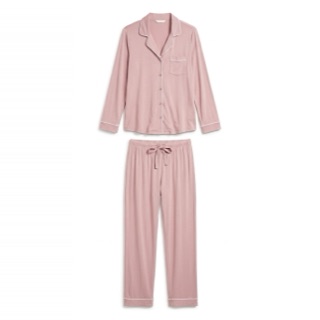
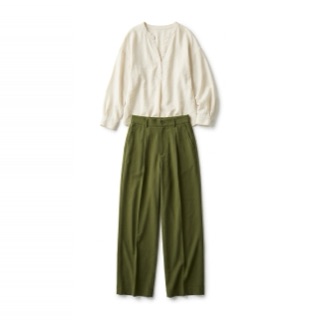
Live garment switching
Move between recommended items and variants in one try-on session.
Live video virtual try-on for Shopify
Vdrobe adds live AI virtual try-on to your product pages. Shoppers skip the photo upload, open their camera, see your clothing in motion, and switch looks in the same session.
7-day free trial. No code. Works in 40+ languages.
Choose a lookTap a garment to change what the shopper is wearing.
Why live video
Photo-based virtual try-on asks shoppers for a picture and returns a still image. Vdrobe keeps them on camera and changes the clothing as they move.
How it works
A short path for shoppers, with the controls merchants need before anything goes live.
Install Vdrobe, follow the setup guide, and add the Vdrobe block to your product template in the theme editor.
Enable all eligible products or pick products and collections. The main product image is the default reference, and you can choose another.
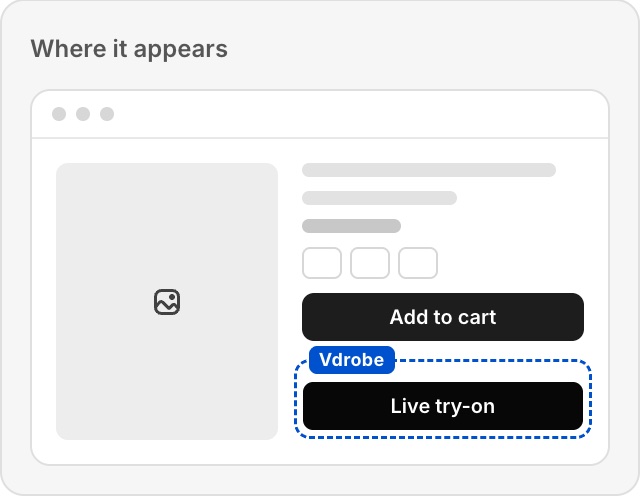
On an enabled product page, a shopper taps Live try-on, allows camera access, and sees a live AI video preview.
Shoppers switch to recommended items or other variants in the same session, then add the selected item to the cart.
A better product page
Vdrobe makes the product page more interactive while keeping the product catalog and checkout that already work for your store.
Move between recommended items and variants in one try-on session.
Decide which products and collections offer try-on and which image each one uses.
Follow shoppers from view to order, see attributed revenue, and compare the visitors who tried on with those who didn't.
Funnel analytics on Growth and above.
Keep product details, variants, inventory, cart, and checkout in Shopify.
Customize the try-on button and window with your brand colors, styles, and display controls, and check every change in a live preview.
Set a daily limit for anonymous shoppers. When they reach it, they leave their name and email to unlock more try-ons.
Keep the facts clear
Pricing
Shopify handles billing and plan approval. Each plan includes successful visible video seconds, and failed sessions and loading time are not counted.
$19.99 / month
20 min
1,200 visible seconds each billing period
Up to 1 live session at a time. Optional overage at $0.020 per extra second, up to your monthly cap.
Request early access$49.99 / month
50 min
3,000 visible seconds each billing period
Up to 2 live sessions at a time. Optional overage at $0.019 per extra second, up to your monthly cap.
Request early access$99.99 / month
100 min
6,000 visible seconds each billing period
Up to 5 live sessions at a time. Optional overage at $0.018 per extra second, up to your monthly cap.
Request early access$199.99 / month
200 min
12,000 visible seconds each billing period
Up to 10 live sessions at a time. Optional overage at $0.017 per extra second, up to your monthly cap.
Request early accessEvery plan starts with a 7-day free trial that includes 10 minutes of try-on time, with no overage. The full allowance starts with your first paid billing cycle.
FAQ
Vdrobe is built for merchants who want a clear live try-on experience and clear operating boundaries.
They open the try-on control on an eligible product page, grant camera access, and keep the page visible while Vdrobe creates the live visual preview.
Vdrobe supports clothing such as tops, shirts, sweatshirts, outerwear, dresses, pants, and outfit images. Eyewear, hats, jewelry, watches, body measurement, and size recommendations are not supported today.
Yes. Shoppers can switch to recommended items or other variants in the same live session, and the same session timer keeps running.
Plans include successful visible-output seconds. Vdrobe debits only the continuous generated video seconds the shopper can actually see; provider preparation time is not merchant usage.
Yes. Every plan starts with a 7-day free trial that includes 10 minutes of try-on time, with no overage. The full plan allowance starts with your first paid billing cycle.
New try-ons stop and the rest of the product page keeps working. If you turn on overage and set a monthly cap, try-ons continue at your plan's per-second rate until that cap is reached.
No. The camera stream is processed live through the video provider, Vdrobe does not store the shopper camera video, and microphone capture is disabled.
The try-on control can be disabled or unavailable while the normal product page, cart, and checkout continue to work.
No. The result is a visual preview. Product details, variant information, sizing, inventory, price, and returns on the Shopify product page remain the source of truth.
Yes. You can set the brand color, button text, style, corner radius, width, and icon, name and size the try-on window, and choose whether shoppers see the session timer, recommendations, add to cart, camera switch, and a button to save a screenshot. A live preview shows each change before you save.
Yes. You choose how many try-ons anonymous shoppers get each day. After that, a form asks for their name and email to unlock more, records their marketing consent choice, and adds them to your Contacts list. CSV export is included on Pro and above.
Install Vdrobe from Shopify, configure eligible products and reference images, add the Vdrobe theme app block to the product template, and save the theme.
Ready when your catalog is
Give shoppers a reason to pause, move, compare, and keep shopping in the same Shopify session.
Request early access